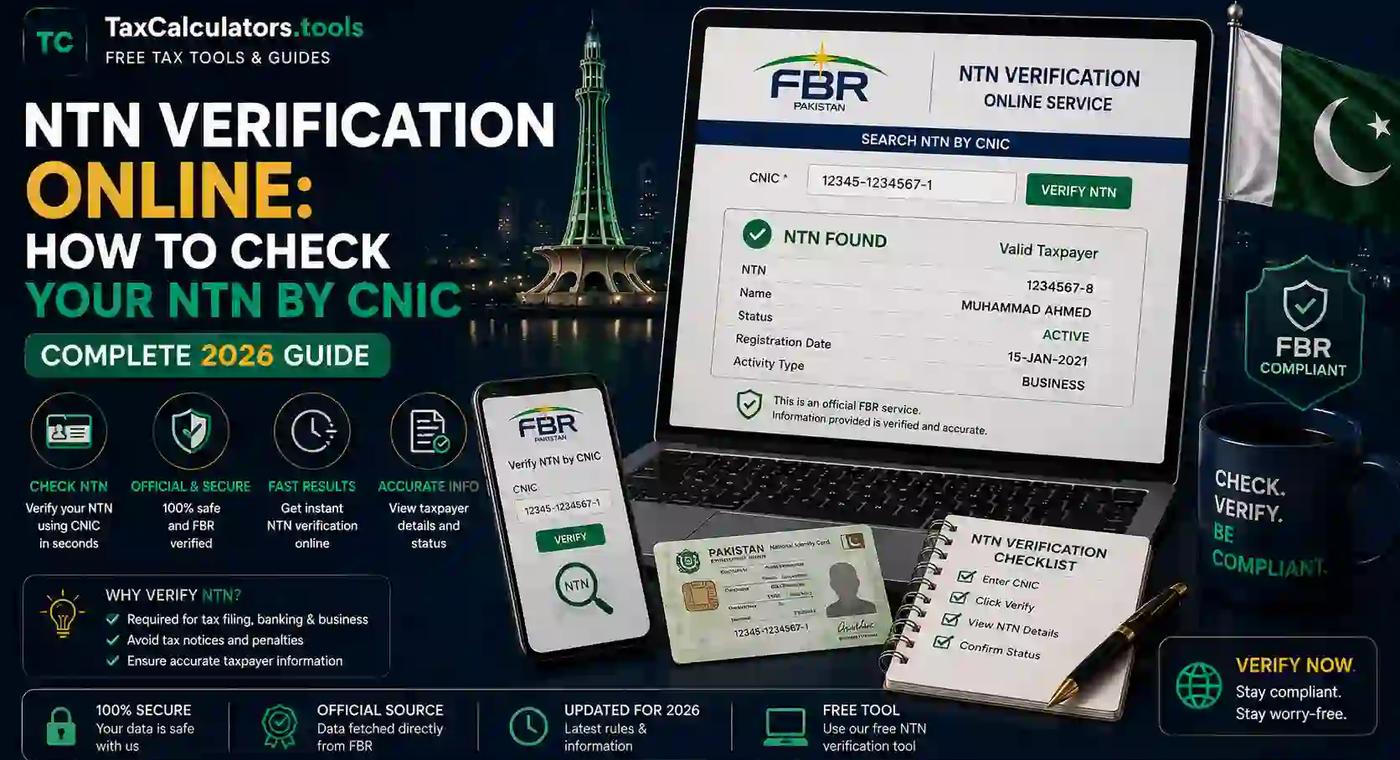
If you've ever tried to file taxes, open a business bank account, or apply for a government tender in Pakistan, you've probably run into one small but important question: "What's my NTN, and how do I check if it's active?" The good news is that NTN verification online has become one of the simplest processes offered by the Federal Board of Revenue (FBR). In this guide, you'll learn exactly how to check your NTN by CNIC in 2026, what to do if your NTN shows inactive, and how to avoid the common mistakes people make during verification. Whether you're a salaried employee, freelancer, or business owner, this step-by-step walkthrough will save you time and confusion.
What Is an NTN and Why Does It Matter?
NTN stands for National Tax Number. It's a unique identification number issued by the FBR to individuals, businesses, and organizations for tax purposes. Think of it as your tax fingerprint — every return you file, every withholding tax deduction, and every filer benefit is tied back to this number.
For salaried individuals and most people with a valid CNIC, your 13-digit CNIC number actually functions as your NTN once you're registered with FBR. That means you don't need to memorize a separate code — your CNIC essentially becomes your tax identity.
Your NTN matters because it:
- Confirms whether you're a registered taxpayer
- Determines whether you appear on the Active Taxpayer List (ATL)
- Affects the withholding tax rate you pay on banking transactions, vehicle registration, and property purchases
- Is required for opening a business bank account, bidding on government contracts, or registering a company
If you're unsure whether being a filer actually benefits you financially, it's worth reading our detailed comparison of filer vs non-filer tax rates in Pakistan — the difference in withholding tax alone can be substantial.
NTN vs CNIC: What's the Difference?
This is one of the most common points of confusion, so let's clear it up simply.
Your CNIC (Computerized National Identity Card) is issued by NADRA and proves your identity as a Pakistani citizen. Your NTN is issued by FBR and proves your identity as a registered taxpayer.
Since 2013, FBR has aligned individual taxpayer numbers with CNIC numbers. So for most individuals, checking your NTN by CNIC and checking your CNIC-based tax registration are essentially the same task. However, companies, AOPs (Association of Persons), and partnerships still receive a separate 7-digit NTN that isn't tied to any individual's CNIC.
In short: if you're an individual, your CNIC is your NTN once registered. If you're a business, your NTN is a distinct registration number.
How to Check NTN by CNIC Online (Step-by-Step 2026 Guide)
Here's the exact process to verify your NTN using your CNIC through the official FBR system.
Step 1: Go to the FBR IRIS Portal
Open your browser and visit the official FBR IRIS portal. This is the government's e-portal for all taxpayer services, including registration, filing, and verification. Avoid third-party websites that ask for sensitive information — always start from FBR's own domain for anything involving your CNIC.
If you're new to the platform, our complete FBR IRIS login guide walks you through account creation and login step by step.
Step 2: Find the "Verifications" Section
On the IRIS portal, without even logging in, you'll find a public verification option. FBR allows unregistered visitors to check basic taxpayer status without an account — this is what makes NTN verification online genuinely fast and accessible.
Look for a section labeled "Taxpayer Profile Inquiry" or "Online Verification." This section is specifically designed for third parties, employers, or individuals who want to confirm someone's tax status using only their CNIC.
Step 3: Enter Your CNIC Number
Type in your 13-digit CNIC number without dashes. Complete the captcha verification (a simple image or math check to confirm you're human), then submit the request.
Step 4: Review Your NTN Details
Within seconds, the system will display:
- Your registered name
- Your NTN/CNIC-based registration number
- Your registration status (active, inactive, or blocked)
- The tax office and Regional Tax Office (RTO) jurisdiction you fall under
If everything looks correct and your status reads "Registered" and "Active," you're good to go. If it shows "Inactive" or "Not Found," you'll need to either update your profile or complete registration — more on that below.
Quick tip: If your name or CNIC details don't match NADRA's records exactly, verification can fail even if you are technically registered. Double-check your CNIC number for typos before assuming there's a bigger problem.
How to Check NTN Status via SMS
Not everyone has reliable internet access, so FBR also offers an SMS-based verification method. This is especially useful for a quick check on the go.
To check your NTN status by SMS:
- Open your phone's messaging app
- Type your 13-digit CNIC number
- Send it to FBR's designated short code (currently 9966)
- You'll receive a reply within a few seconds confirming your filer status and registration details
This method is particularly handy for checking someone's active taxpayer status before a property transaction or large banking transfer, since withholding tax rates depend heavily on filer status.
How to Verify a Company or Business NTN Online
Verifying a business NTN follows a similar process but requires a slightly different starting point since companies don't use CNIC numbers as their tax ID.
Here's how to do it:
- Go to the FBR IRIS taxpayer verification section
- Select "NTN" as the search parameter instead of CNIC
- Enter the company's registered NTN or the registration number issued by the Securities and Exchange Commission of Pakistan (SECP)
- Submit and review the company's registration status, business name, and tax office jurisdiction
This step is critical before entering into any business partnership, vendor agreement, or invoicing arrangement — an inactive or fake NTN can create serious tax complications for both parties. If you're in the process of setting up a company from scratch, our guide on company registration covers the full process, and you can also explore NTN registration services if you need help getting registered correctly the first time.
How to Check If Your NTN Is Active on the ATL (Active Taxpayer List)
Having an NTN and being an "active filer" are two different things. The Active Taxpayer List (ATL) is a weekly-updated list published by FBR that shows who has filed their latest tax return on time.
Being on the ATL matters because:
- Non-filers pay significantly higher withholding tax on banking transactions, vehicle purchases, and property deals
- Many government and private institutions require ATL status for tenders and contracts
- Filers enjoy reduced tax rates on dividends, prize bonds, and profit on debt
To check your ATL status, you can use the same IRIS portal verification tool, or check our dedicated breakdown on how the Active Taxpayer List status check works in detail. If you discover you're registered but not appearing on the ATL, it usually means your latest return hasn't been filed or processed yet.
Common Errors During NTN Verification and How to Fix Them
Even though the process is straightforward, a few recurring issues trip people up every year. Here's what to watch for.
"Invalid CNIC" error. This usually means there's a typo in your entry, or your CNIC has expired with NADRA. Renew your CNIC first, then try again after 24–48 hours since FBR syncs with NADRA's database periodically.
"Not Registered" status. If you've never registered with FBR, this is expected. You'll need to complete e-enrollment through IRIS, which takes about 15–20 minutes if you have your CNIC, mobile number, and email address ready.
NTN shows inactive despite being registered. This typically happens when a return hasn't been filed for the relevant tax year or your profile has an unresolved notice. Our ATL and filer status check-and-fix service is built specifically to diagnose and resolve this kind of issue.
Portal timing out or not loading. The IRIS system experiences heavy traffic close to tax filing deadlines. Try verifying during off-peak hours (early morning or late evening) for a smoother experience.
Name mismatch between NADRA and FBR records. If your name appears differently across documents (for example, due to marriage or a spelling correction), you may need to submit a name update request through IRIS before verification will match cleanly.
Why Use Tax Calculators for NTN Verification and Related Services
Government portals are powerful, but they aren't always the friendliest to navigate, especially if you're verifying your NTN for the first time or handling it on behalf of a business. That's exactly why we built dedicated, easy-to-follow verification and registration services.
Our NTN verification service is designed to walk you through the exact steps without the guesswork, and if your NTN turns out to be inactive or your filer status needs fixing, our team can help resolve it directly instead of you having to figure out FBR's notices on your own. Beyond verification, we also offer free tools like our Pakistan income tax calculator so you can estimate your tax liability accurately once your filer status is confirmed.
If you're still unsure about your broader tax obligations, it's worth reading our guide on how to become a tax filer in Pakistan, which explains the entire journey from registration to your first return.
NTN Verification by City: Karachi, Lahore, and Islamabad
While NTN verification is a nationwide, centralized process handled entirely through IRIS, your Regional Tax Office (RTO) jurisdiction depends on your city of residence or business registration. This becomes relevant if you ever need to visit a physical office for a manual correction.
NTN verification in Karachi typically falls under RTO-II or RTO-III Karachi, depending on your area. If you need in-person assistance beyond online verification, our Karachi tax services page can point you toward local support.
NTN verification in Lahore is generally handled by RTO Lahore, and residents can find more localized guidance through our Lahore tax services page.
NTN verification in Islamabad falls under RTO Islamabad, and our Islamabad tax services page has more details if you're based in the capital.
Regardless of which city you're in, the online verification steps through IRIS remain identical — the jurisdiction only matters if a manual notice, correction, or in-person appointment becomes necessary.
What Happens If Your NTN Is Inactive
An inactive NTN doesn't mean you're in legal trouble, but it does come with financial downsides. If your NTN or filer status is inactive, you'll likely face:
- Higher withholding tax rates on cash withdrawals, vehicle registration, and property transactions
- Difficulty securing certain business contracts or government tenders
- Delays or complications when applying for loans that require tax return history
- Possible FBR notices requesting you to explain non-filing
The fix is usually simple: file your pending tax return(s) through IRIS, and your status typically updates within the ATL's weekly refresh cycle. If notices or penalties are involved, our FBR notice and ATL correction service can help you respond correctly and get back to active status.
How to Register for NTN If You Don't Have One Yet
If verification shows you're not registered at all, here's a quick overview of what registration involves:
- Visit the FBR IRIS portal and click on "Registration for Unregistered Person"
- Enter your CNIC, mobile number, and email address — each must be unique and not already linked to another FBR account
- You'll receive separate verification codes via SMS and email
- Complete your personal information, including your source of income and employer or business details
- Submit the form — your NTN/registration is typically issued instantly or within 1–2 business days
Once registered, you'll want to file your first return promptly to appear on the ATL. Our income tax return filing service can help make sure your first filing is accurate and complete.
Frequently Asked Questions
What is NTN and why is it important? NTN (National Tax Number) is your official tax identification number issued by FBR. It's important because it confirms your registration as a taxpayer, determines your withholding tax rates, and is required for most formal financial and business transactions in Pakistan.
Is CNIC the same as NTN in Pakistan? For individuals, your CNIC functions as your NTN once you're registered with FBR. For companies, partnerships, and AOPs, a separate NTN is issued that isn't linked to any individual's CNIC.
How can I check my NTN online for free? You can check your NTN for free through the FBR IRIS portal's public verification tool, no account or login required. Simply enter your CNIC number and complete the captcha to view your registration status instantly.
Can I verify NTN without logging into FBR IRIS? Yes. FBR's online verification service is publicly accessible and doesn't require you to log in or create an account — it's built specifically for quick, no-hassle checks.
How long does NTN verification take? Verification itself is instant once submitted through IRIS or via SMS. If you're newly registering, issuance of your NTN can take anywhere from a few minutes to 1–2 business days depending on document review.
What is the SMS code to check NTN status? Send your 13-digit CNIC number as an SMS to FBR's short code, 9966, and you'll receive your registration and filer status within seconds.
How do I check the NTN of a company or business? Use the FBR IRIS verification tool and select "NTN" instead of "CNIC" as your search type, then enter the company's registered tax number to view its status.
What happens if my NTN shows inactive? An inactive NTN usually means a return hasn't been filed for the current tax year, or there's an unresolved notice on your profile. Filing your pending return typically restores active status within the next ATL update.
Conclusion: Take Control of Your Tax Status Today
Checking your NTN by CNIC is one of the easiest tax-related tasks you'll ever do — it takes less than a minute through FBR's IRIS portal or a quick SMS. But the real value comes from what you do with that information: making sure you're on the Active Taxpayer List, understanding your filer benefits, and staying ahead of any notices before they become bigger problems.
If your verification turned up an inactive status, an unfiled return, or you're simply not sure where to start, don't navigate it alone. Explore our NTN verification service or use our advanced free tax calculators to get a clear, accurate picture of your tax position today — and take the next step toward becoming a confident, active filer in 2026.
Important disclaimer
This article is for educational planning only. It does not provide professional tax, legal, accounting, payroll, customs, or financial advice. Tax rules can change and final results may depend on your personal facts. Always verify important tax decisions with official sources or a qualified professional.